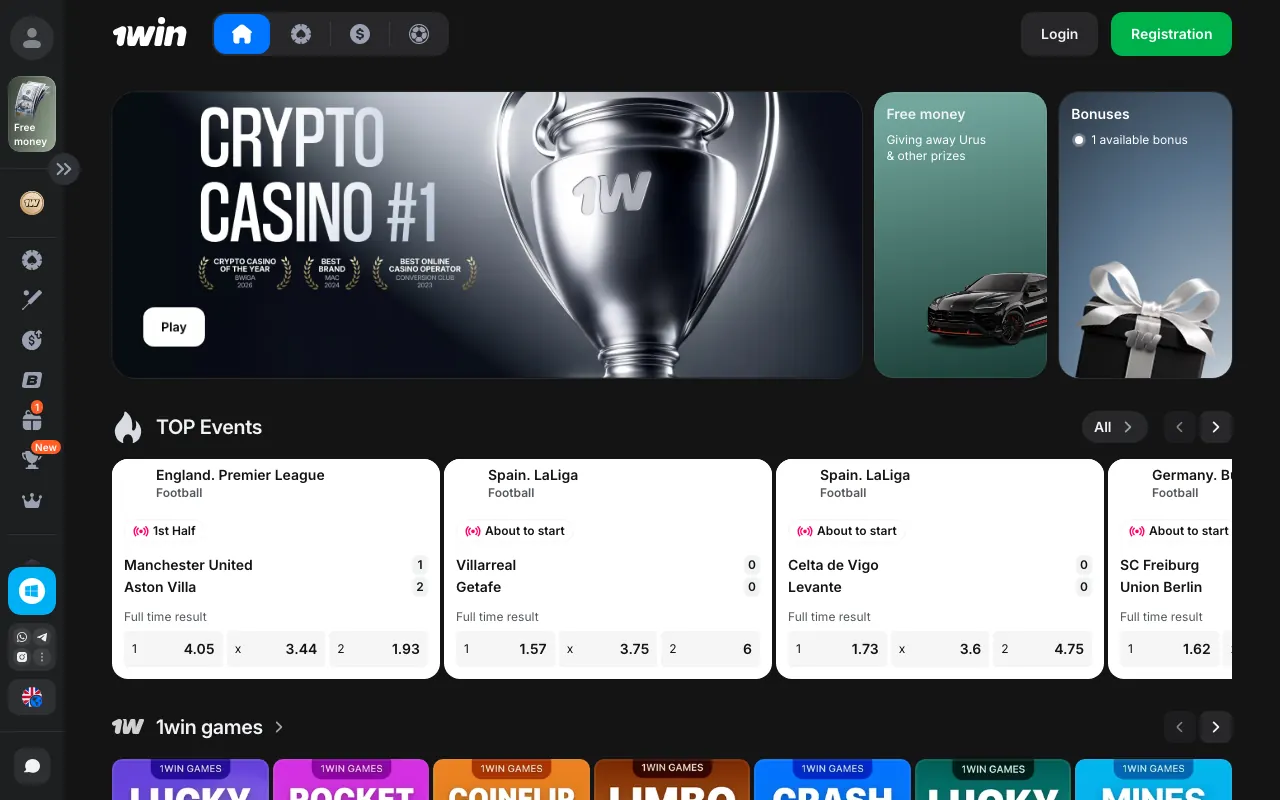














1win iOS access: get started on iPhone and iPad
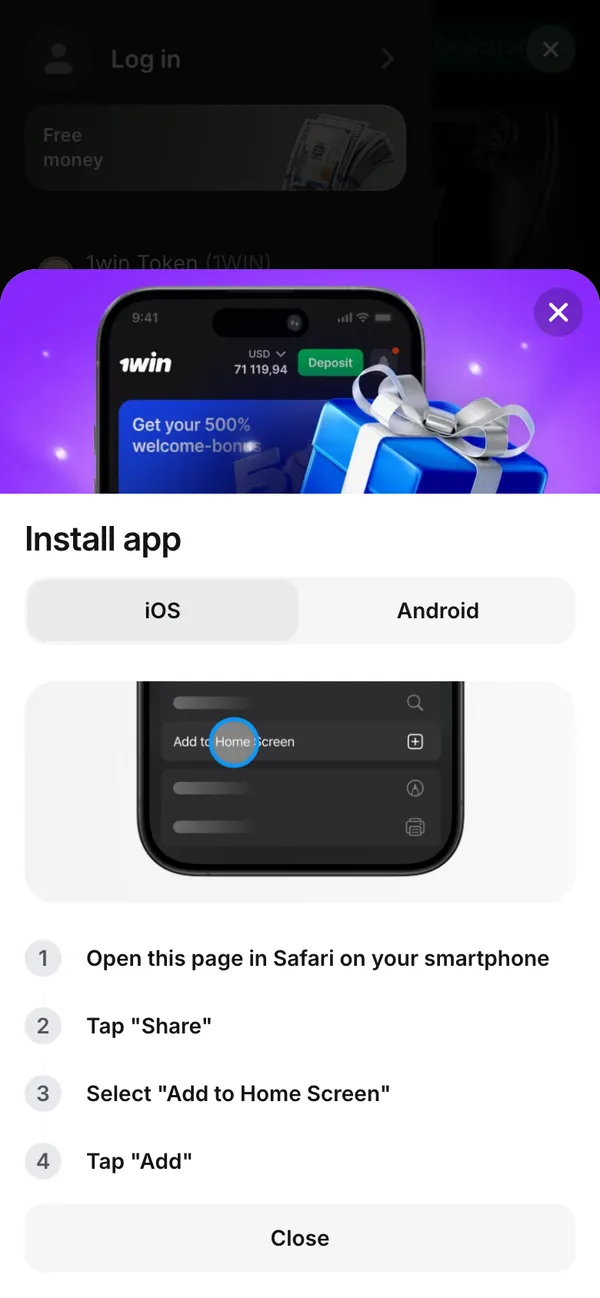
Get 1win on iOS through Safari on your iPhone or iPad. Add to Home Screen gives you browser-based access from an icon; there is no App Store installation. The Install app window has an iOS tab with the Safari instructions.
18+ · New players only · Operator bonus terms apply · Play responsibly
 Written by Anusha Khan · Checked by: Denise MatheyUpdated
- For a 1win iOS download, use the Safari Home Screen route.
- Start at Menu, open the installation banner and select iOS.
- The Android tab's Download button is for the APK, so switch tabs before following the instructions on your Apple device.
1win iOS at a glance
iPhone and iPad access uses Safari rather than an installation file.
| Item | iPhone and iPad access |
|---|---|
| Browser | Safari |
| Access type | PWA added to the Home Screen |
| App Store route | No; use the 1win website in Safari |
| Menu entry | Menu in the bottom navigation |
| Platform selector | iOS tab in the Install app window |
| Android download | APK from the 1win website; not for Apple devices |
| India account currency | Indian rupee (INR) by default at registration |
| Access support | 1win live chat and email, 24/7 |
The Android APK route uses a file download instead of Safari's Home Screen action.
Set up 1win for iOS from the mobile menu
1win screens from India, 08.11.2026. The menu opens an Install app window with separate iOS and Android tabs.
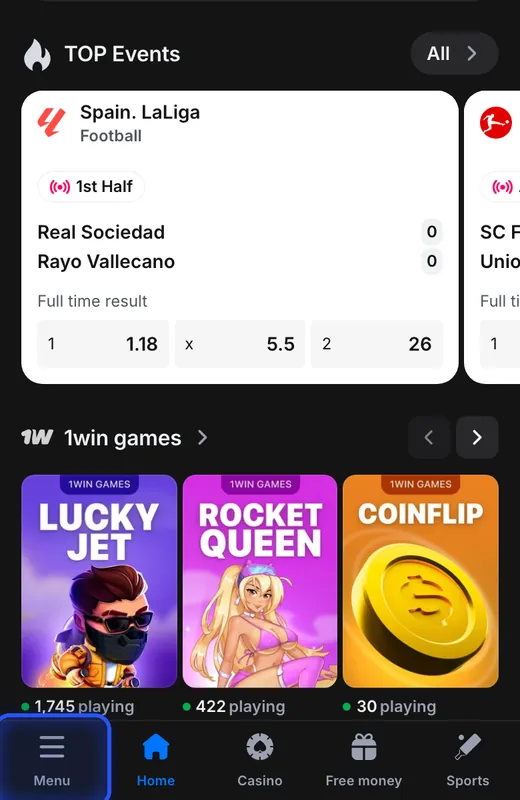
Open Menu
Tap Menu in the bottom navigation bar.
You see: The side menu contains Casino, Sports and an installation banner labelled 1win for Android.
If not: Use the bottom Menu button to reach the installation entry.
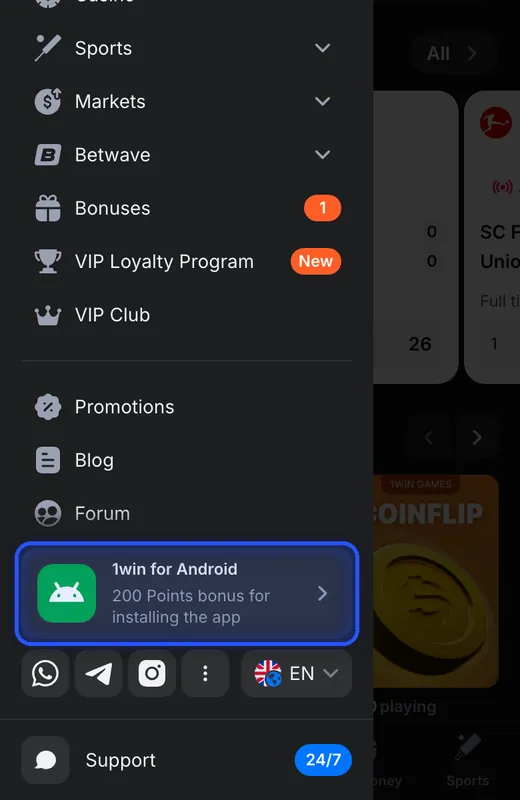
Open the installation banner
Tap the 1win for Android banner, which advertises 200 Points on 08.11.2026.
You see: Install app opens with iOS and Android tabs. The Android view says Download the app on your smartphone, then Install it.
If not: The Android banner opens the shared selector; choose iOS in that window for your iPhone.
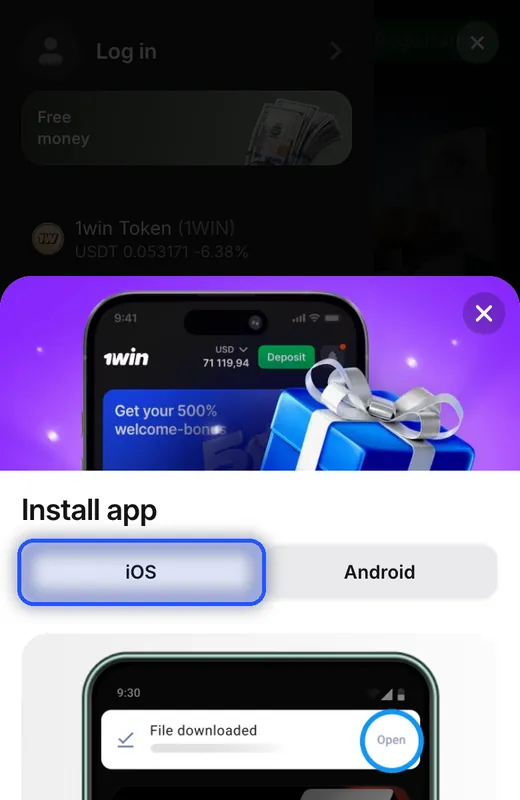
Select the iOS tab
Tap iOS at the top of Install app.
You see: The iOS view has a phone illustration with Add to Home Screen and written Safari instructions underneath.
If not: If Download and Install it are visible, you are on the Android instructions; switch to iOS.
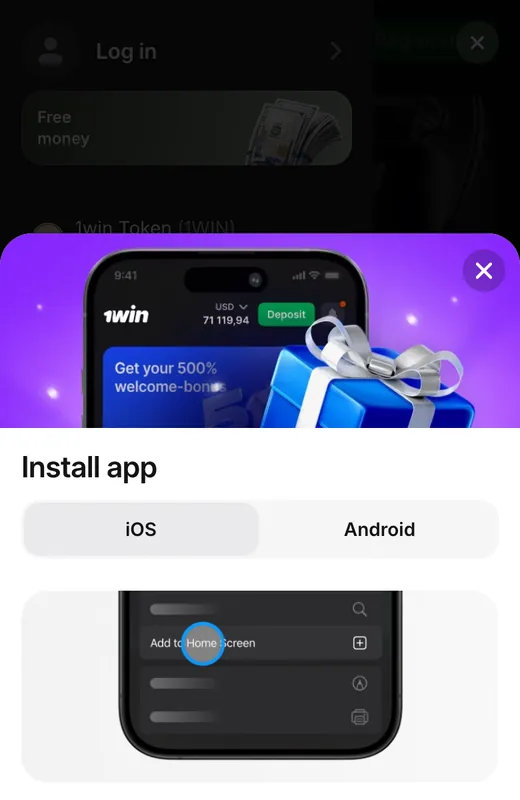
Complete the Safari actions
On your Apple device, open 1win in Safari, tap Share, select Add to Home Screen, then tap Add.
You see: The iOS instructions begin with Open this page in Safari on your smartphone. Close dismisses the 1win installation window.
If not: If you opened 1win in another browser, open the page in Safari before following these actions.
The banner's installation incentive uses 1win Points, not a cash amount; adding a Home Screen icon is not a promise of a credited reward.
iPhone download or Android APK: which route applies?
A 1win app download for iPhone means following the Safari setup; the APK belongs to Android.
| Device | Access route | Installation action |
|---|---|---|
| iPhone or iPad | 1win website in Safari | Share → Add to Home Screen → Add |
| Android smartphone | APK from the 1win website | Download the file, then install it |
The device access options also include browser-based access on Windows and macOS.
When the installation menu leads to the wrong option
The menu banner says Android
That banner opens Install app with both platform tabs. The iOS tab contains the Apple-device instructions.The window offers a Download button
Download belongs to the Android view. The iOS view gives Safari actions instead of a file download.You opened a different browser
The first iOS instruction specifies Safari. Open the 1win page there to follow its Home Screen setup.Access still fails
1win support offers live chat and [email protected] around the clock for access help.
1win support also handles requests for deposit limits, time limits and temporary account suspension.
Aviator on iOS and your 1win account
Aviator is a Spribe crash game within 1win, so the Safari route provides platform access for this game rather than a separate iPhone installer. The Aviator game information covers its demo and real-money access options.
Home Screen setup adds browser access; account currency is chosen during registration. India's registration form defaults to Indian rupee; registration forms in other countries default to the local currency.
One account is allowed per player. Adding access on an iPhone or iPad is not a reason to create another account; duplicate accounts can be closed and their transactions invalidated.
PWA, APK and 1win Points
- PWA
- Progressive web app: browser-based access added to the Home Screen through Safari on iPhone or iPad.
- APK
- An Android installation file; it is not the installation route for iPhone or iPad.
- 1win Points
- Reward points used by 1win, including for installation tasks in Free Money; a Points reward is not a cash amount.
Sources
Where the facts on this page come from
- 1win mobile site and Install app windowMenu and iOS instructions, 08.11.2026
- 1win Free MoneyInstallation Points task, 06.11.2026
- 1win rulesAccount and support rules
1win iOS download and access FAQ
Open 1win in Safari on your iPhone or iPad and use Add to Home Screen. This is PWA access through the browser. The iOS tab in the Install app window contains the setup instructions.
Open the 1win page in Safari, tap Share, select Add to Home Screen, then tap Add. These are the actions listed in the iOS installation instructions.
No. 1win uses Safari and Add to Home Screen for iPhone and iPad access. An App Store download is not part of this setup.
No. APK installation is for Android. Use Safari on an Apple device; the Download button beside the Android instructions does not perform the iPhone setup.
Select iOS in the Install app window. It replaces the Android download instructions with the Safari Home Screen instructions.
Use 1win through Safari on your Apple device. Aviator is Spribe's crash game within 1win; Home Screen setup provides access to the platform rather than a separate Aviator installation.
No. An APK is an Android installation file, so it does not provide the iPhone or iPad setup. Use the Safari route for 1win access on iOS.
1win support is available through live chat and [email protected]. These are 1win support contacts for access problems.
- First version of the page.
Who runs this page
1win.uk.com is an information site, not 1win and not its official page: no deposits, bets or accounts are handled here.
For adults (18+) only. If play stops being fun, plan a budget and find help.
 New account offer